
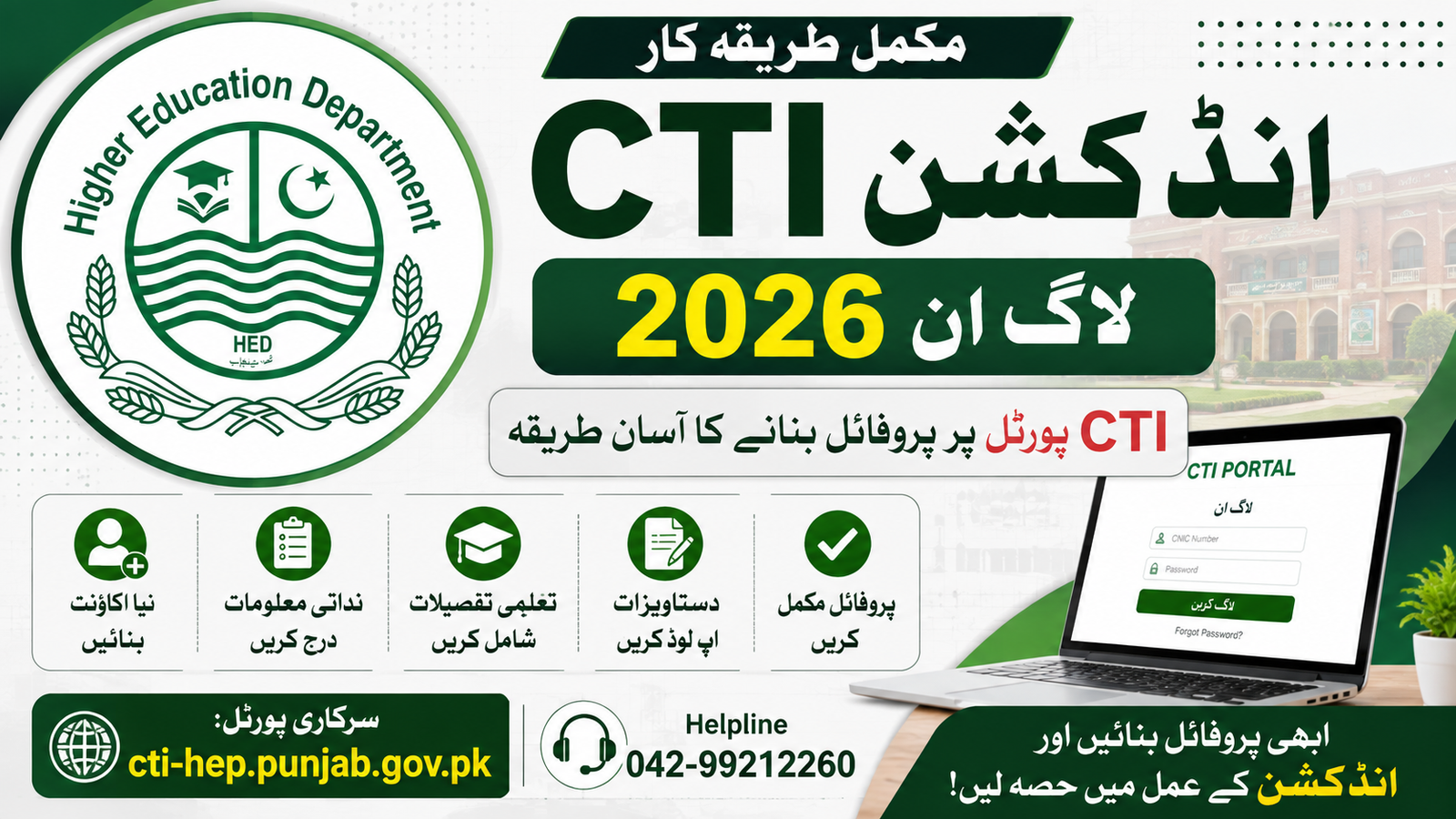
The CTI Induction Login 2026 is an important online facility for candidates interested in College Teaching Interns (CTIs) in Punjab. The College Teaching Interns program is managed through an online portal connected with the Punjab Higher Education Department. Candidates can use the CTI portal to create or update their profiles, enter personal and educational information, and participate in the relevant induction process.
The official CTI portal is cti-hep.punjab.gov.pk. The portal’s current notice section shows that the CTI Portal has opened for profile completion ahead of the 2026 induction process.
For candidates searching for CTI Induction Login 2026, CTI Portal 2026, CTI Profile Create 2026, CTI Login 2026, or CTI Induction Online Apply, this guide explains the complete profile-creation process, login method, required information, common problems, and important points to remember before applying.
CTI Induction 2026 Portal
College Teaching Interns, commonly called CTIs, are hired to help address teaching requirements in government colleges across Punjab. The Higher Education Department has previously used an online system for CTI recruitment, making it easier for candidates to submit their information and participate in the selection process.
The Punjab Higher Education Department has stated that thousands of CTIs have been appointed through an online platform designed to improve transparency and make the application process easier for eligible candidates.
The CTI portal is therefore an important platform for candidates who want to participate in the induction process. Instead of relying on manual applications alone, candidates can manage their information through the online system.
CTI Induction Login 2026
| Information | Details |
|---|---|
| Program | College Teaching Interns |
| Short Name | CTI |
| Province | Punjab |
| Department | Higher Education Department |
| Portal | CTI-HED Punjab |
| Session | CTI Induction 2026 |
| Login | Online |
| Profile | Create / Update Online |
| Official Portal | cti-hep.punjab.gov.pk |
| Login Identification | CNIC |
| Helpline | 042-99212260 |
How to Create Profile on CTI Portal 2026
Creating a profile is one of the first steps for candidates who want to use the CTI induction system. The exact fields displayed on the portal can change according to the current recruitment cycle, but candidates should generally be prepared to provide accurate personal and academic information.
Follow these steps to create or complete your CTI profile.
Step 1: Open the Official CTI Portal
First, open the official College Teaching Interns portal:
cti-hep.punjab.gov.pk
Candidates should make sure they are using the official Punjab CTI portal before entering their CNIC, password, educational information or other personal details.
The official portal is operated for the College Teaching Interns system and contains sections for news, induction policy, tutorials and candidate login.
Step 2: Select Login/Register
After opening the website, look for the Login/Register option.
New candidates can use the registration/profile-creation option if required, while candidates who already have an account can use their existing credentials.
The CTI portal has previously provided a Login/Register facility for candidates to manage their profiles and applications.
Step 3: Enter CNIC Information
The CTI login system uses the candidate’s CNIC for account access. The current CTI induction login page states that candidates who have already registered can log in using their CNIC and can use the Forgot Password option if necessary.
Enter your CNIC carefully according to the format requested on the portal.
Avoid sharing your CNIC and password with other people.
Step 4: Create or Update Your Profile
After successful registration or login, candidates should review their profile information.
Make sure that your name, CNIC information, contact details and other personal information are accurate.
If you already created a CTI profile in an earlier recruitment cycle, you may need to update your information rather than creating a completely new account.
The current 2026 portal notice specifically indicates that candidates can complete their profiles ahead of induction.
Information Required for CTI Profile
Candidates should prepare their important information before starting the profile process.
Depending on the current portal form, candidates may need information such as:
- Full name
- CNIC number
- Mobile phone number
- Email address
- Domicile details
- District
- Tehsil
- Academic qualifications
- Degree information
- Subject/specialization
- Marks or percentage
- Passing year
- University or board information
- Experience information, where applicable
- Other information requested by the portal
Candidates should enter information exactly as it appears on their official documents.
An incorrect degree title, percentage, passing year or subject can create problems during scrutiny or selection.
CTI Educational Profile 2026
Educational information is particularly important in the CTI recruitment process because candidates are considered according to the relevant eligibility and merit criteria.
Before entering your qualification details, keep your degree, transcript or other educational documents nearby.
Check:
- Degree name
- Major subject
- Institution name
- Passing year
- Total marks
- Obtained marks
- Percentage
- Division
- CGPA, if applicable
CTI Login 2026 – Existing Candidates
Candidates who already have an account do not necessarily need to create another profile.
Instead, they should use the existing CTI account and check whether their information is complete.
The official CTI login page says that registered users can log in using their CNIC. It also provides a Forgot Password option for candidates who cannot remember their password.
Before creating another account, try to recover access to your existing account.
Multiple profiles containing conflicting information could potentially create confusion during the application process.
CTI Forgot Password 2026
If you have forgotten your CTI portal password, there is no need to panic.
Open the official login page and select the Forgot Password option.
Follow the instructions shown on the portal to recover or reset your account access.
The official CTI system specifically provides a Forgot Password facility on its login page.
Candidates should never give their password to another person claiming to provide technical support.
CTI Profile Update 2026
Candidates who already registered on the CTI portal should review their profile before the new induction process.
Check all major sections, including:
- Personal information
- Contact details
- Academic qualifications
- Subject information
- Domicile information
- Experience details
- Uploaded documents, where applicable
If any information has changed or was entered incorrectly, update it according to the options available on the portal.
The current CTI portal announcement specifically encourages candidates to complete their profiling ahead of the induction process.
CTI Jobs / Induction 2026
The College Teaching Interns program is designed to help colleges deal with teaching requirements while providing qualified graduates with teaching experience.
The Higher Education Department has previously announced large-scale CTI inductions. One official CTI portal notice, for example, announced a plan to hire 8,084 College Teaching Interns to address shortages of teaching staff in Punjab’s colleges.
However, candidates should not assume that an old vacancy number applies to the 2026-27 induction. The number of seats, subjects, colleges, eligibility requirements and application schedule should always be confirmed from the latest official announcement.
CTI Eligibility and Merit
Eligibility and merit are important parts of the CTI selection process.
The exact criteria can depend on the latest official policy or advertisement. Candidates should therefore check the current induction instructions before submitting an application.
Previous official CTI policy documents have included academic qualifications and merit-based components in the selection process. For example, an official HED document shows different marks allocations associated with qualifications, position-holder status and interview marks.
Because recruitment policies can be revised, candidates should use the latest applicable criteria rather than relying on an old CTI advertisement.
CTI College Selection
After completing their profile, candidates may be able to view or select relevant college vacancies when the application stage opens.
The available options can depend on:
- Subject
- District
- College
- Number of seats
- Candidate eligibility
- Recruitment rules
- Merit criteria
Candidates should carefully review the available college and subject information before submitting an application.
Do not select a college simply because it is nearby without checking whether the candidate meets the relevant subject and eligibility requirements.
CTI Application Submission
Profile creation and application submission should be treated as separate stages when the portal indicates separate timelines.
A candidate may complete their profile before applications officially open. Once the application window starts, available seats may become visible and candidates may be asked to submit applications against eligible vacancies.
The CTI portal has previously published specific deadlines for profile completion and application submission separately. For example, a 2025 HED notice stated separate dates for profiling and application submission.
For the 2026 induction, candidates should follow the latest dates displayed on the official portal.
Documents for CTI Induction
Candidates should keep clear copies of important documents ready.
Commonly required documents can include:
- CNIC
- Domicile
- Recent photograph
- Degree
- Transcript
- Academic certificates
- Experience certificate, if applicable
- Position-holder certificate, where applicable
- Other documents required by the current policy
The exact list should be confirmed from the latest official CTI instructions.
Documents should be clear and readable if the portal requires online uploads.
Common Problems During CTI Login
Candidates may face several technical problems while using the CTI portal.
CNIC Not Recognized
Check whether your CNIC is entered in the correct format. Also make sure you are using the same CNIC associated with your registration.
Forgot Password
Use the official Forgot Password facility rather than creating another account.
Profile Not Saving
Check whether all mandatory fields have been completed. Some forms do not save when required information is missing.
Website Is Slow
A large number of candidates may access the portal at the same time. If the website is slow, wait a few minutes and try again.
Information Cannot Be Changed
Some fields may be locked after verification. If you cannot edit a particular field, follow the official portal instructions or contact the CTI helpline.
CTI Portal Not Opening
If the CTI portal does not open, candidates should first confirm their internet connection.
You can also try:
- Refreshing the page
- Using Chrome or another updated browser
- Clearing browser cache
- Opening the portal from another device
- Trying again during less busy hours
- Checking the official CTI news section for maintenance notices
Do not assume that the portal is closed merely because it temporarily fails to load.
CTI Helpline 2026
For technical or portal-related issues, candidates can use the contact information published on the official CTI website.
The CTI portal lists the helpline number as:
042-99212260
It also lists the CTI email address cti.hed@gmail.com on its official induction-policy page.
Candidates should contact the official support channel when they cannot resolve an account or technical problem themselves.
CTI Induction 2026 Official Portal
Candidates should bookmark the official CTI portal:
cti-hep.punjab.gov.pk
The portal is the primary online platform for CTI-related information, candidate profiles and induction activities. Its current news page includes CTI portal updates, while the portal also provides tutorials and induction policy information.
The Punjab Higher Education Department website should also be monitored for official announcements related to the program. The department’s website currently lists CTI-related updates among its education-sector notices.
Frequently Asked Questions
What is CTI Induction Login 2026?
CTI Induction Login 2026 refers to the online login facility used by candidates to access and manage their College Teaching Interns profile through the Punjab CTI portal.
What is the official CTI portal?
The official CTI portal is cti-hep.punjab.gov.pk.
How can I create a CTI profile?
Visit the official CTI portal, select the Login/Register option and follow the registration or profile-completion instructions. Existing candidates should log in and update their profile where required.
Can I log in with CNIC?
Yes. The official CTI login page states that registered candidates can log in using their CNIC.
What if I forget my CTI password?
Use the Forgot Password option available on the official CTI login page.
Is profile creation the same as applying for a CTI seat?
Not necessarily. Profile completion can be a preparation stage, while application submission may open separately according to the official induction schedule.
Can old CTI candidates use their previous account?
Candidates who already have an account should generally attempt to access their existing profile and update it rather than unnecessarily creating another account.
Where can I get CTI technical support?
The official CTI portal lists the helpline 042-99212260 and provides CTI contact information.